Write about what changes
Your image already provides the scene. A focused motion prompt is usually clearer than a long description that asks the model to replace everything in the picture.
AI generation
Start with a portrait, a product shot or a landscape. Describe what should move and let AI create a new clip from your image.
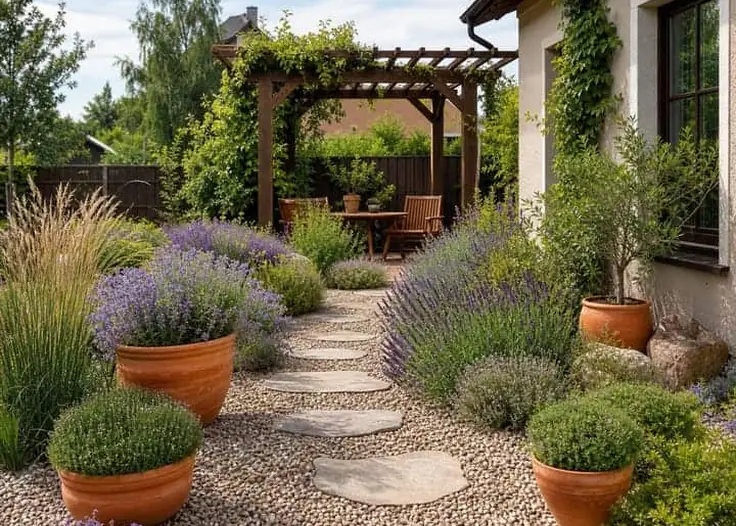
Choose a well-lit image with the subject you want to animate.
Focus on the action and camera movement. For example: “A slow camera push-in as the curtains move gently in the breeze.”
Check the available settings and credit cost before generating. Review the result before using it in a longer edit.
Your image already provides the scene. A focused motion prompt is usually clearer than a long description that asks the model to replace everything in the picture.
Take the generated clip into the video editor to combine it with other scenes, add a title and place music or narration on a separate track.
AI generates new frames, so details can change. Inspect faces, hands, logos and product details before publishing.
Audio support varies by model. Check the selected model’s options; you can also add your own soundtrack in the video editor.