More pixels do not guarantee recovered detail
AI estimates how missing detail might look. It can make an image clearer, but it cannot reliably reconstruct information that was never captured.
AI generation
Improve a small or soft image and explore a higher-resolution version. Start with the best original you have and review the details after enhancement.
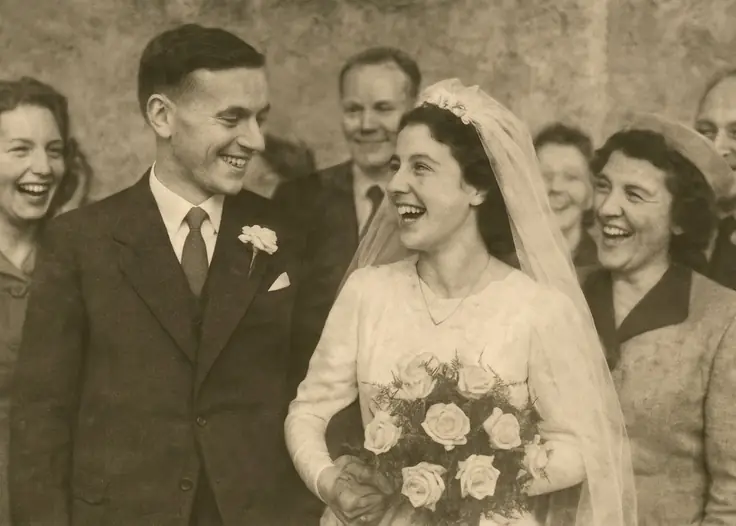
Upload the original photo rather than a screenshot when possible.
Check the enhancement details and displayed price before starting. USD checkout is not yet connected in this preview.
Compare important details such as eyes, hair and fine textures before using the enhanced version.
AI estimates how missing detail might look. It can make an image clearer, but it cannot reliably reconstruct information that was never captured.
Save the original alongside the enhanced version, especially for family photos or images where an accurate likeness matters. Compare both before printing.
No. Results depend on the source. Severe motion blur, very low resolution or heavy compression can limit the improvement.
Enhancement starts from your uploaded photo. A text-to-image generator creates a new visual from a description.