A refresh is different from a full makeover
Updating finishes focuses on surfaces such as walls, floors and ceilings. A complete redesign can replace the furniture as well. Choose the task that matches the amount of change you want.
Interior design
You may want new furniture, fresh finishes or a completely different look. Start with your room photo and tell the designer what should change.
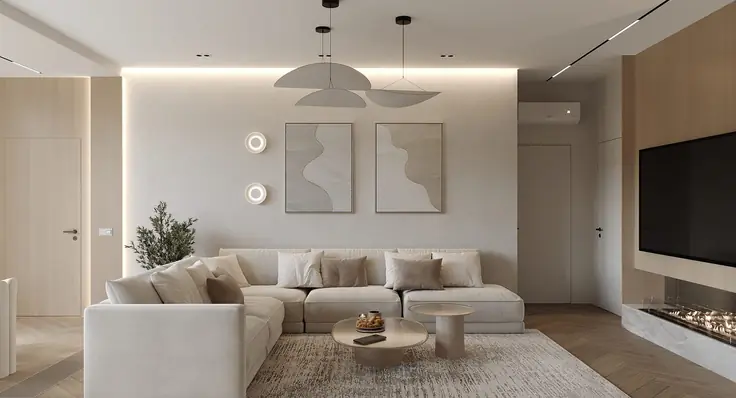
Use a clear photo that shows the area you want to redesign.
Select the relevant changes: furnish, rearrange, replace furniture, update finishes or redesign the whole room.
Describe the style and practical requirements. Review the generated concept against your original photo.
Updating finishes focuses on surfaces such as walls, floors and ceilings. A complete redesign can replace the furniture as well. Choose the task that matches the amount of change you want.
If a sofa, desk or layout is important, mention it in your request. AI concepts still need review: a generated image is not a measured plan or a guarantee that every detail will be preserved.
Choose the rearrangement task and explain what you want to improve, such as access to a window or space around the dining table.
No. It is a visual concept. Verify measurements, materials and feasibility separately before buying furniture or starting work.